The screenshot clearly show the current folder, which is a subfolder of the Windows Download folder. Is that where the mod file is located?
There are two separate things:
- Using command “addpath” I always set a path to the Dynare folder and MATLAB subfolder.
- The directory is always set to where MOD files are located, that’s a different folder, i.e. “C:\…
In the Windows Download folder, there’s just the launch icon for Octave.
However, using the same two commands as above I could make Octave run this time, this time with a different error and less output (just 2 charts instead of 4). This is the output:
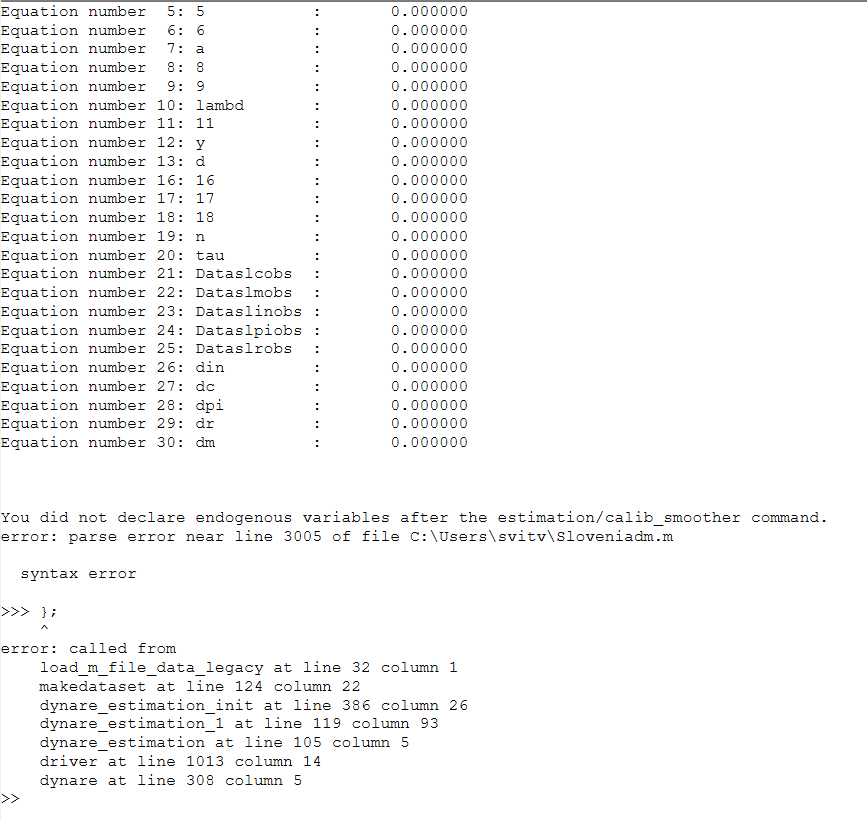
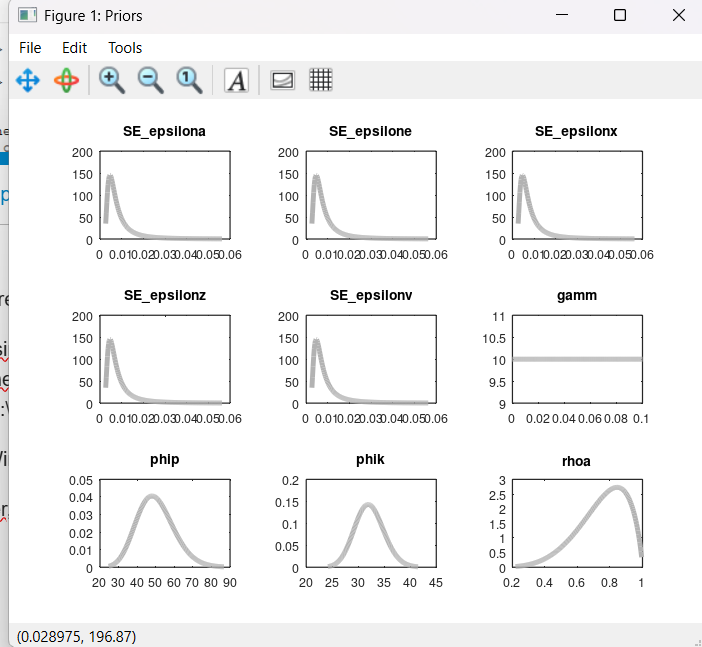
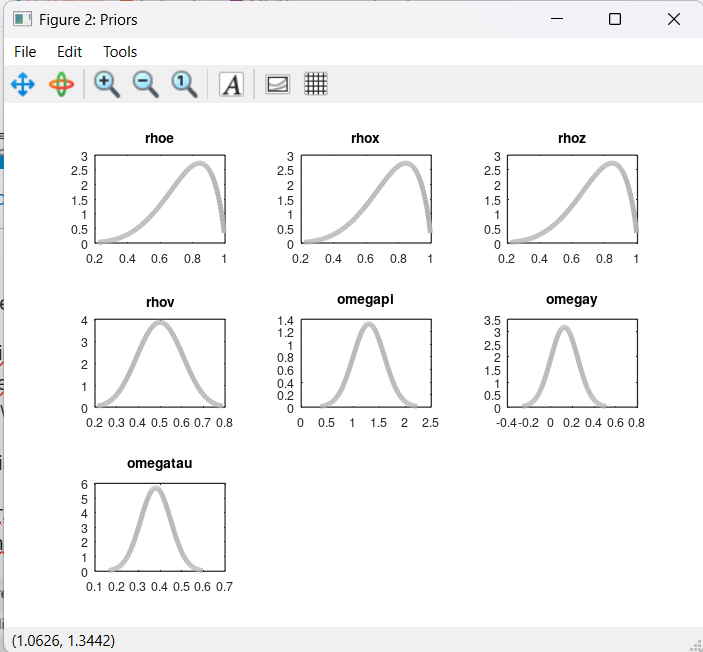
The error message means there is a spurious curly bracket in your data file.
But there is no curly bracket in the .MOD file, you can check it yourself using attached file:
Model15.mod (3.8 KB)
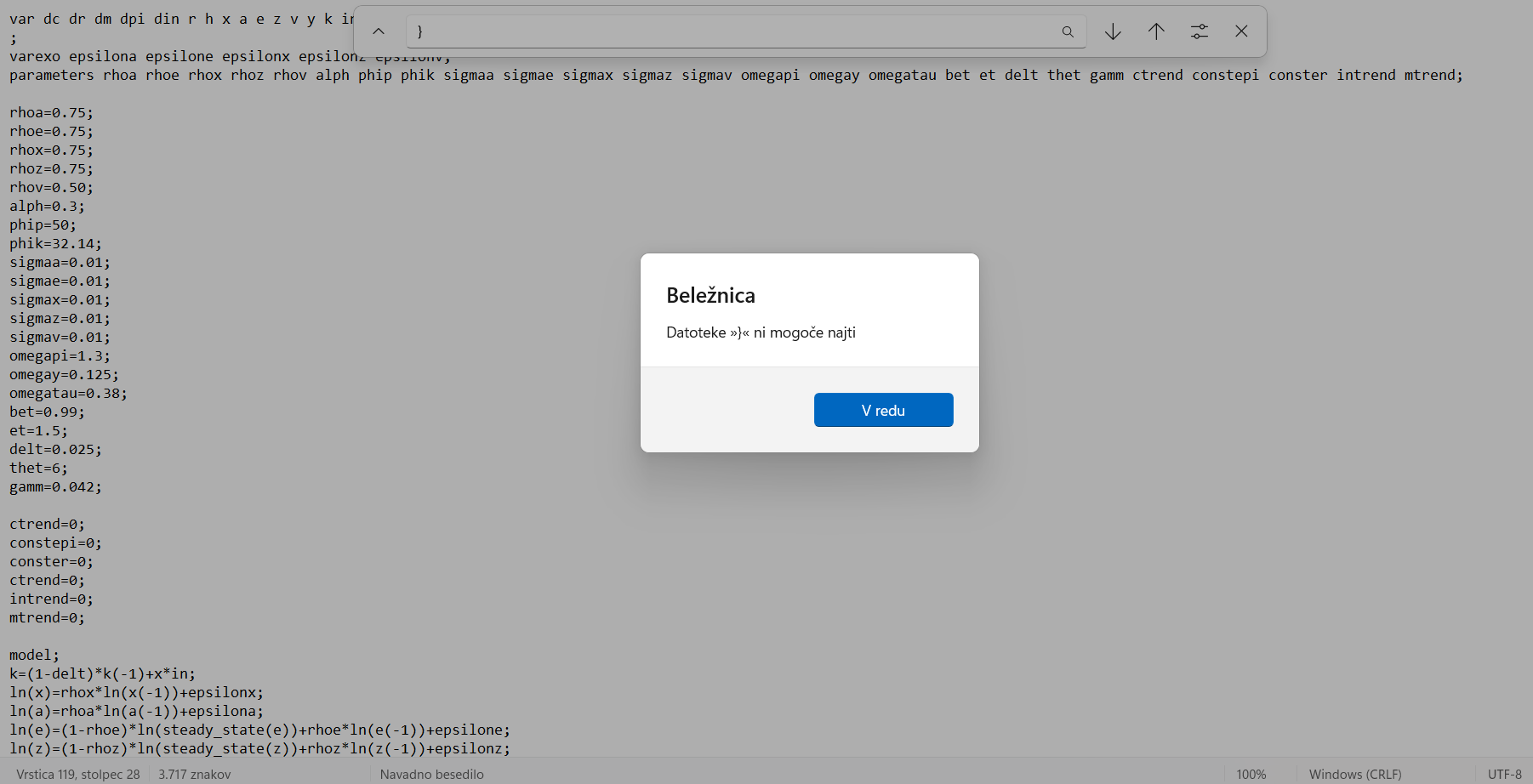
Please read me replies carefully. The error message is not about the mod-file, it’s about the Sloveniadm.m data file.
I’m sorry about the missunderstanding, but there are seven signs “}” in the .M file, can you tell me which one is spurious? Thank you so much!
Sloveniadm.m (62.3 KB)
Spaces in expressions like
Pi A = {
are not valid syntax.
Thank you, so spaces are the problem, not curly brackets. I deleted spaces:
Sloveniadm.m (62.3 KB)
Is the file now correct?
Here is the error I obtain now:
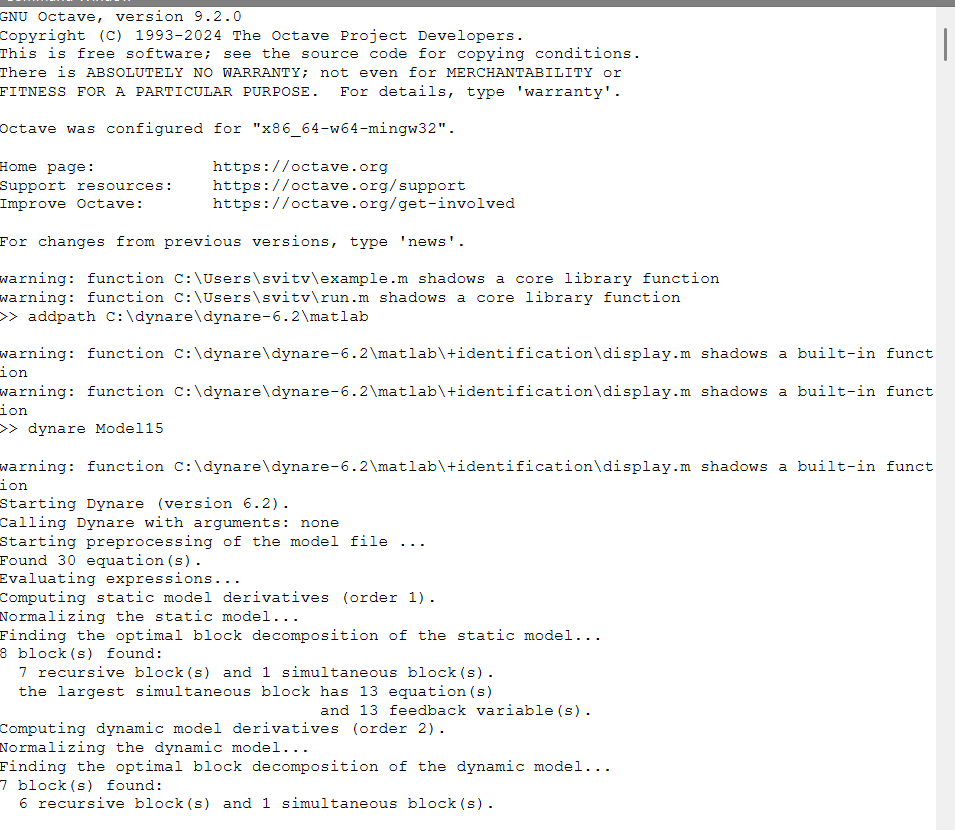
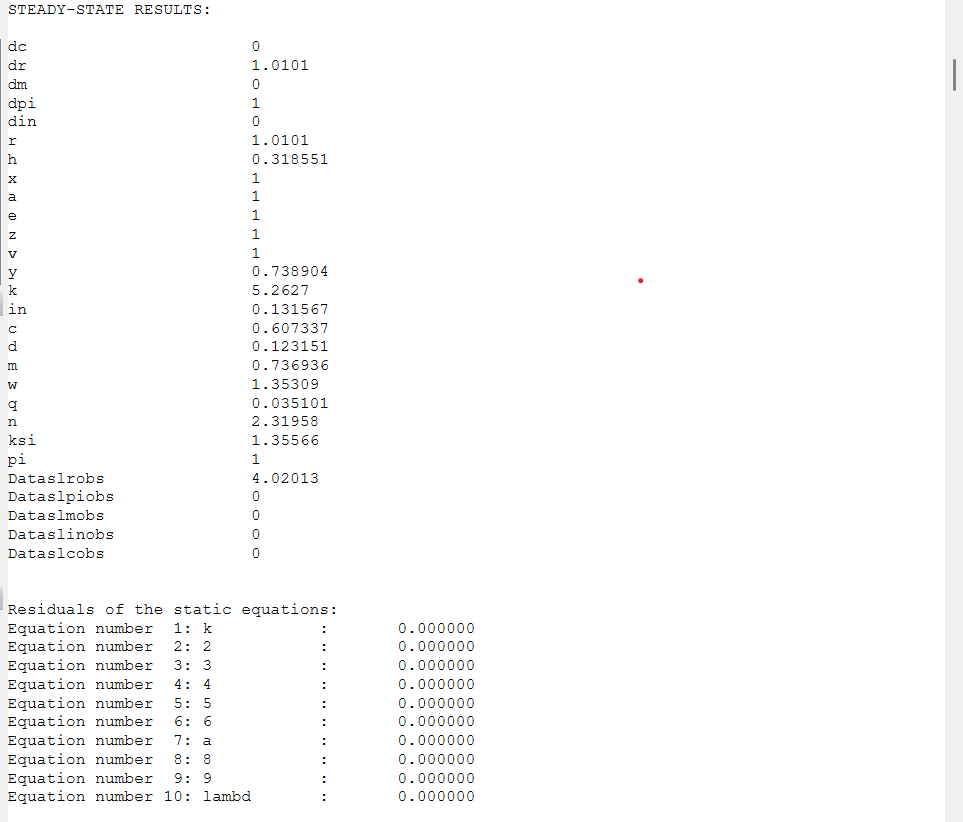
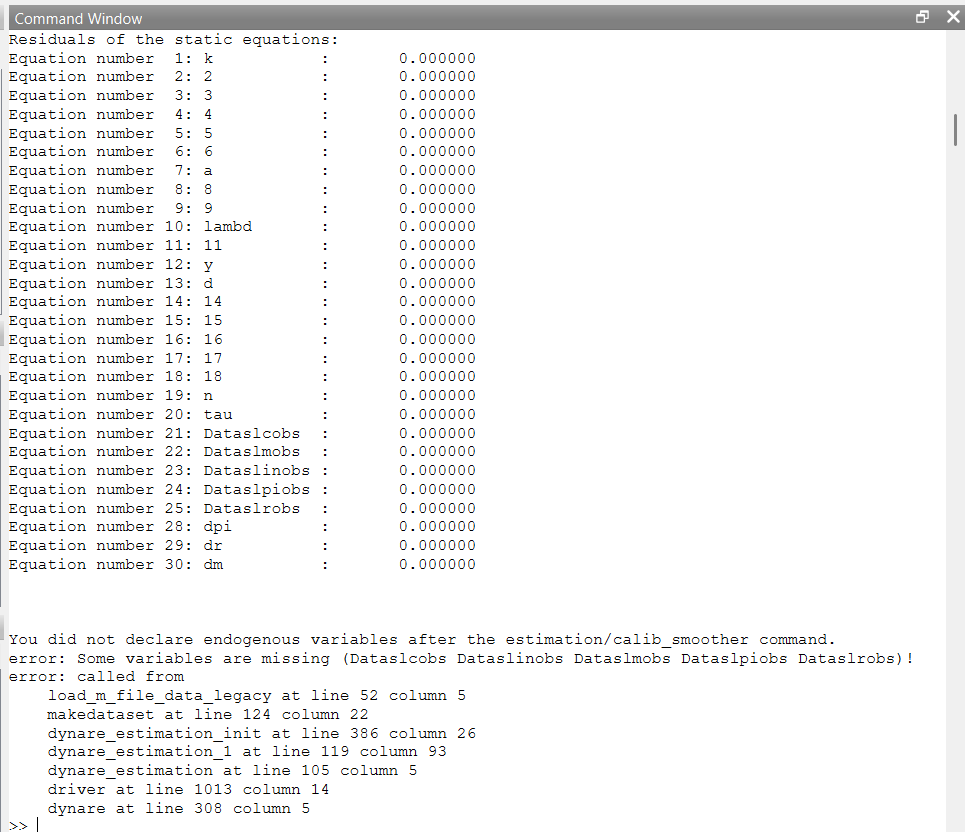
You again use a data file where the variable names do not conform to the variable names in the model.
I am sorry, I corrected mistake, but again I get an error message:
Sloveniadm.m (62.3 KB)
Model15.mod (3.8 KB)
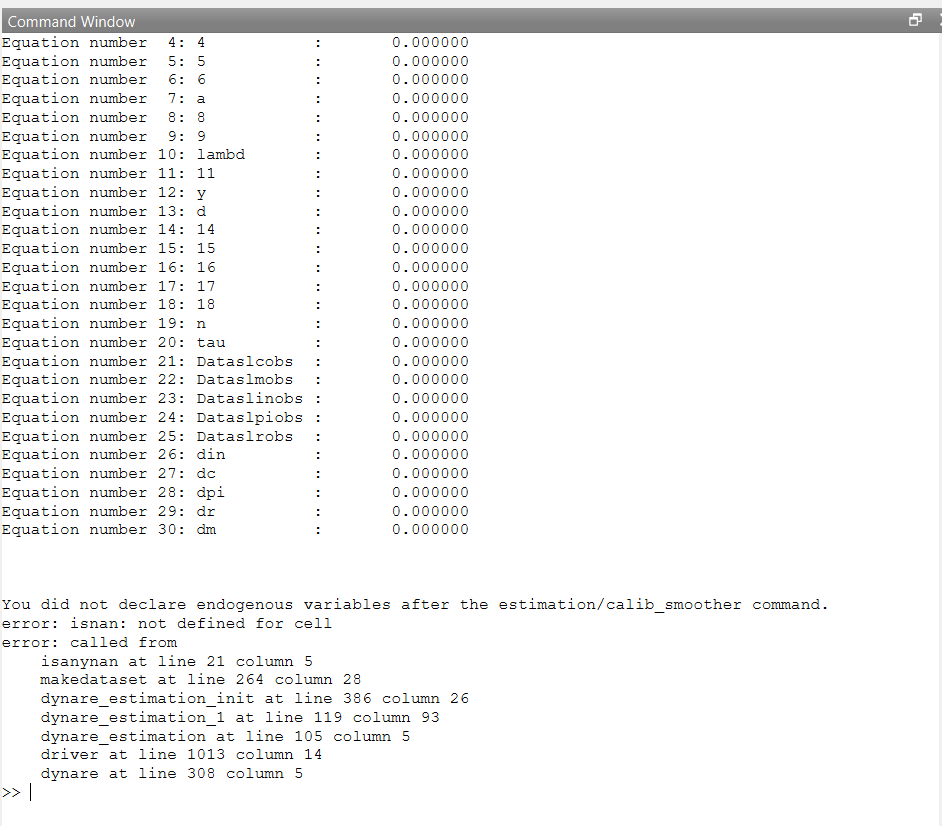
Instead of saving your data as a matrix, you put them in a cell array as strings. That won’t work.
Thank you, I tried to find a way to transform my cell array into a matrix, but I’ve found just a MATLAB’s command CELL2TABLE, for example here: Error in replication (Blanchard L'Huillier Lorenzoni) and here https://www.mathworks.com/matlabcentral/answers/265622-cell-strings-to-matrix
Could you please give me a hint how to run the transformation in Octave? Thank you so much in advance!
Why do you have a cell array in the first place? That is not a standard way to store matrices.
Here is the data format I used before (prior to demeaning):
Slovenia.m (10.9 KB)
Is this form correct (matrix)? If so, I likely changed the format while demeaning the data in a wrong way.
Yes, that looks good.
Perfect, however, how do I demean the data? I uploaded Slovenia.m file into Octave editor, however Edit and File tabs don’t offer replacing entire columns with demeaned data. I could replace a value by value, but that would be very slow (and I can’t compute the average like with choosing entire column in Excel and obtaining the mean). There must be a faster way/shortcut?
Dear professor,
I’ve studied the demeaning of data in Octave extensively and I managed to produce a .mat file with demeaned data and .m file that loads it in Octave:
Slovenia_centered.m (30 Bytes)
Slovenia_centered.mat (8.8 KB)
However, I haven’t managed to find any advice on how to add variable temp in my .m file. Simply using square brackets like in your file Slovenia.m: Slovenia.m (10.9 KB) didn’t work. So I am kindly asking for your advice on how can I add a temp variable referring to my .mat file with data to my .m script.
Thank you so much!